
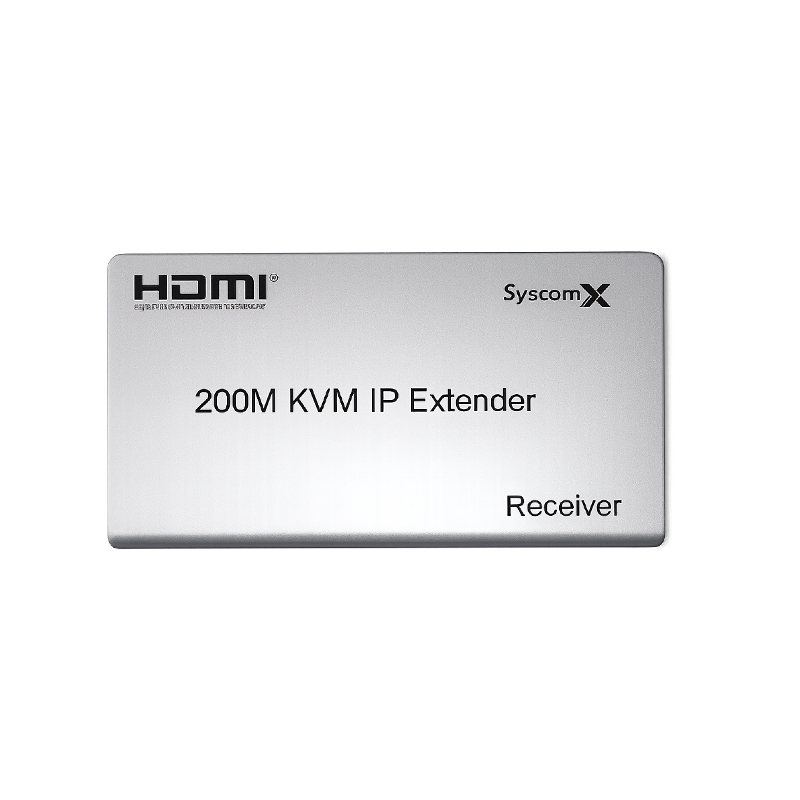
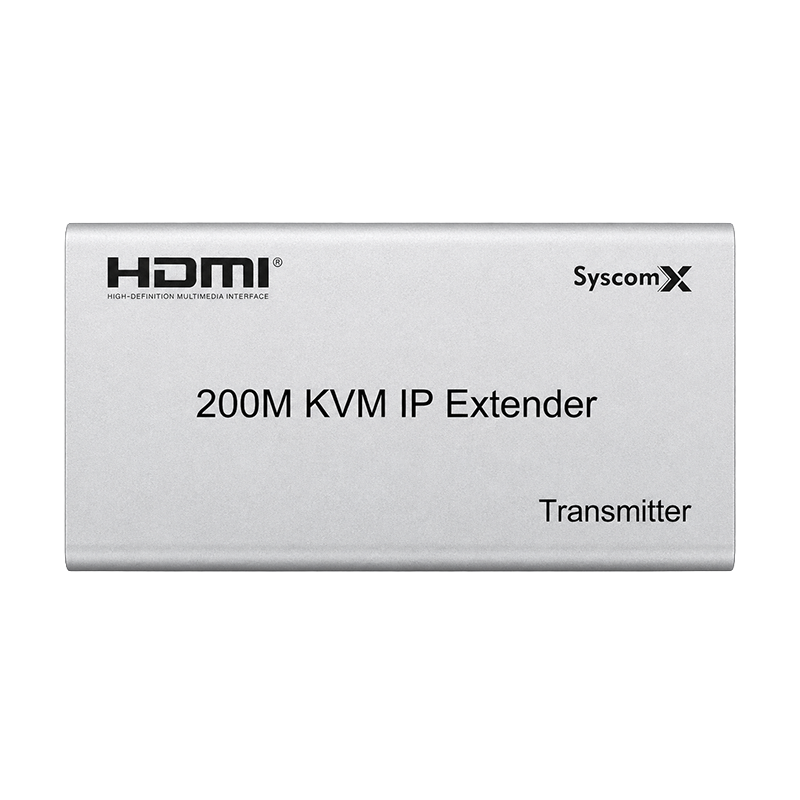

SyscomX HDMI 200M KVM IP Extender
Product Overview
The SyscomX HDMI 200M KVM IP Extender is designed to extend HDMI video signals and keyboard/mouse control over an Ethernet network for distances of up to 200 meters.
The system consists of:
- TX Unit – Transmitter
- RX Unit – Receiver
It allows video transmission and remote computer control between the source device and the display. The product supports direct point-to-point connection as well as network-based distribution.
Key Features
- Extends HDMI signals up to 200 meters.
- Supports remote keyboard and mouse control.
- Supports USB signal extension.
- Supports IR remote-control extension.
- Compatible with the IEEE 802.3 Ethernet standard.
- Pure hardware design with no additional software required.
- Plug-and-play operation.
- Supports point-to-point connection.
- Supports point-to-multipoint connection.
- Supports cascade connection.
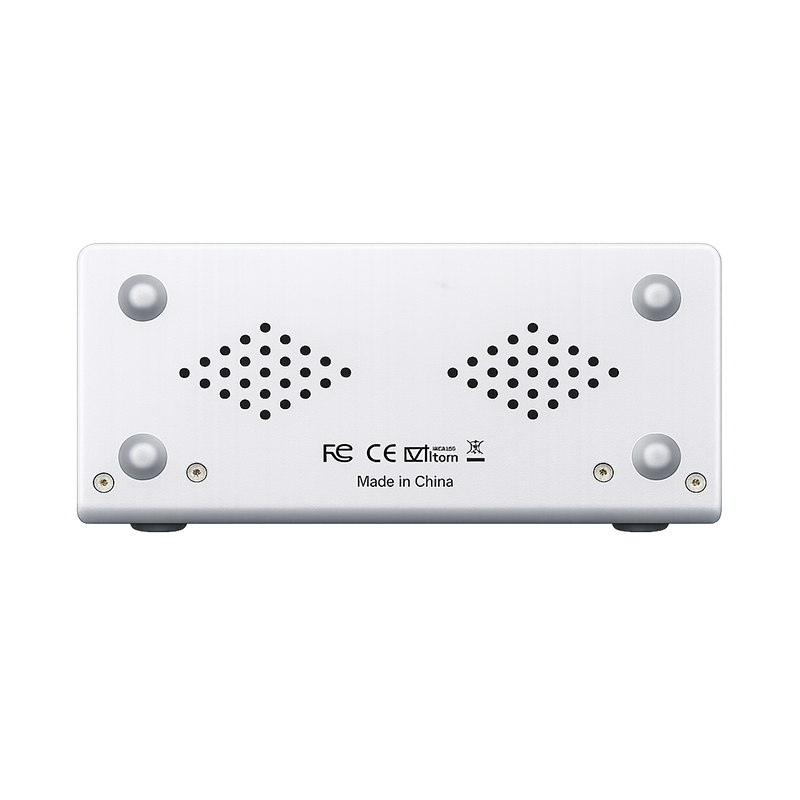
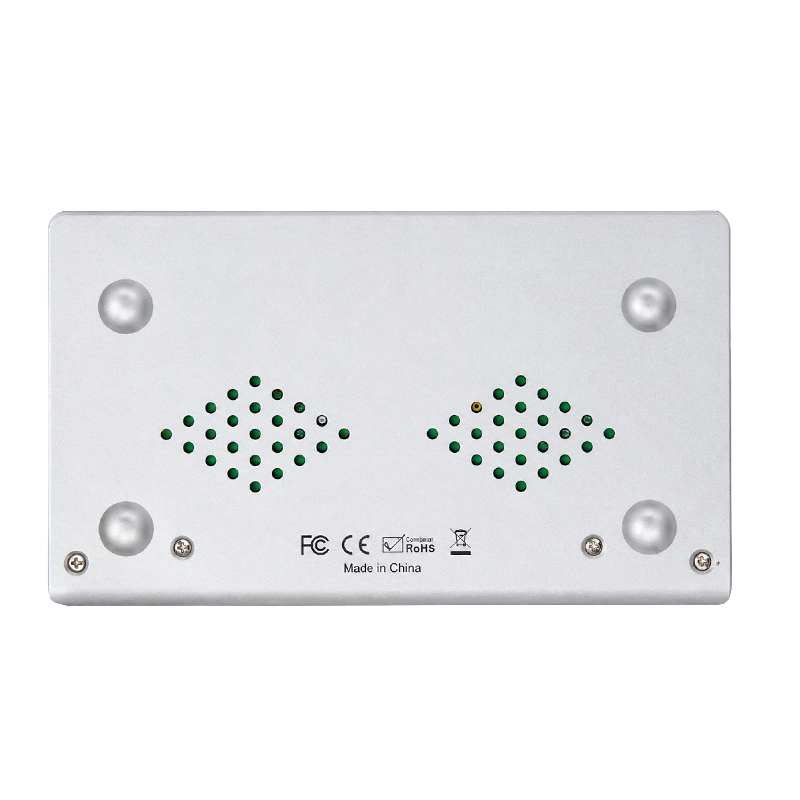
- Durable metal enclosure.
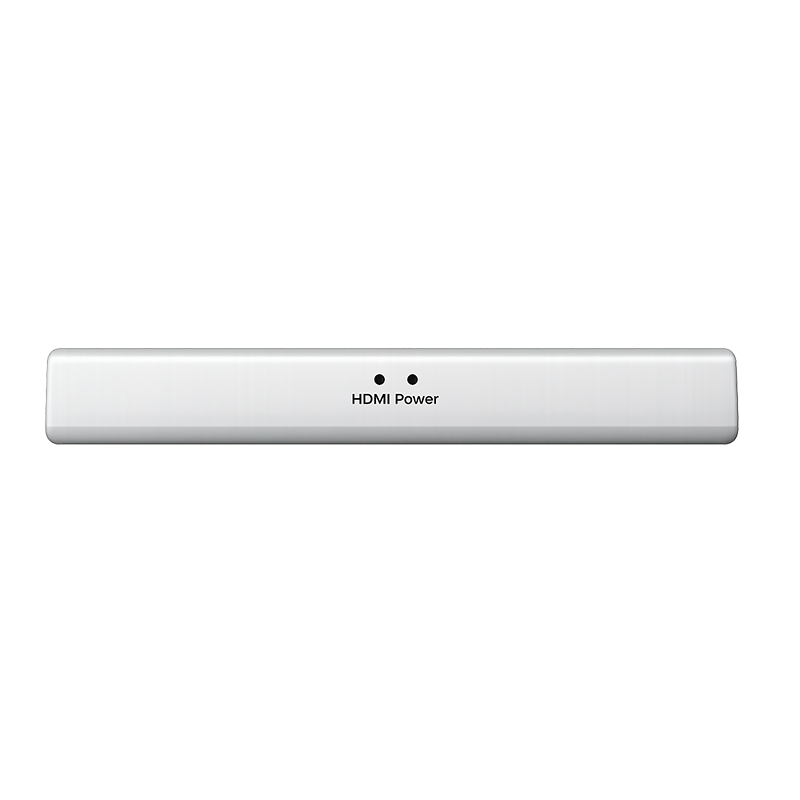
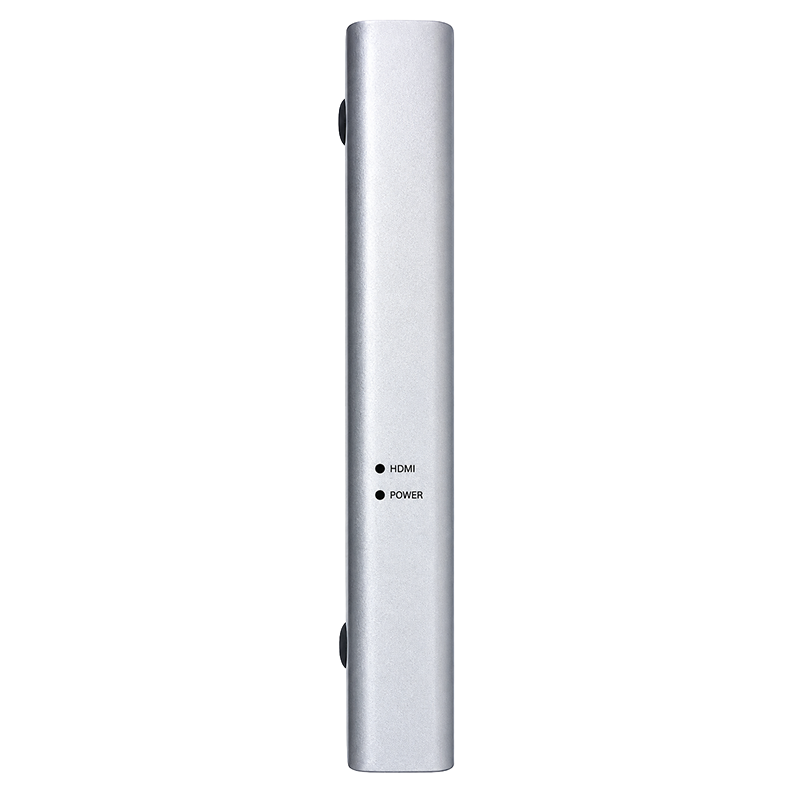
- LED indicators for HDMI signal and power status.
Connection Modes
Point-to-Point
Connects one transmitter to one receiver for extending video and control signals to a remote location.
Point-to-Multipoint
Connects one transmitter to multiple receivers through an Ethernet switch, allowing the same source to be displayed at multiple locations.
Cascade Connection
Supports cascaded network connections for expanding the distribution system according to the network topology.
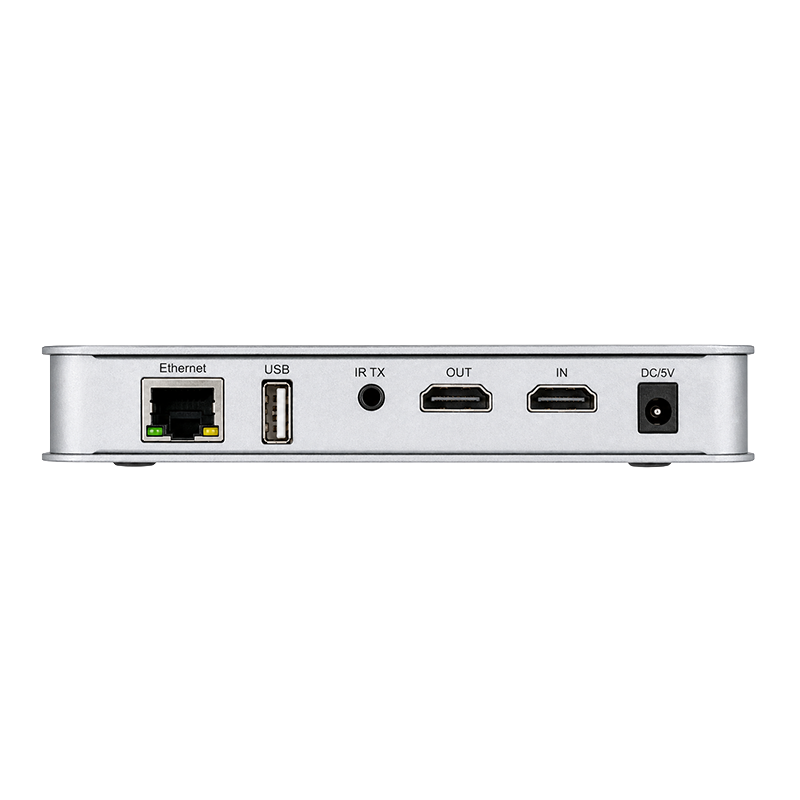
TX Unit Ports
TX – Transmitter
- Ethernet: RJ45 network port for connection to the receiver or Ethernet switch.
- USB: USB port for connecting the source computer and enabling KVM control.
- IR TX: Infrared transmitter connection.
- HDMI IN: HDMI input from a computer, recorder, media player, or other video source.
- HDMI OUT: Local HDMI output for connecting a nearby display.
- DC/5V: 5 V DC power input.
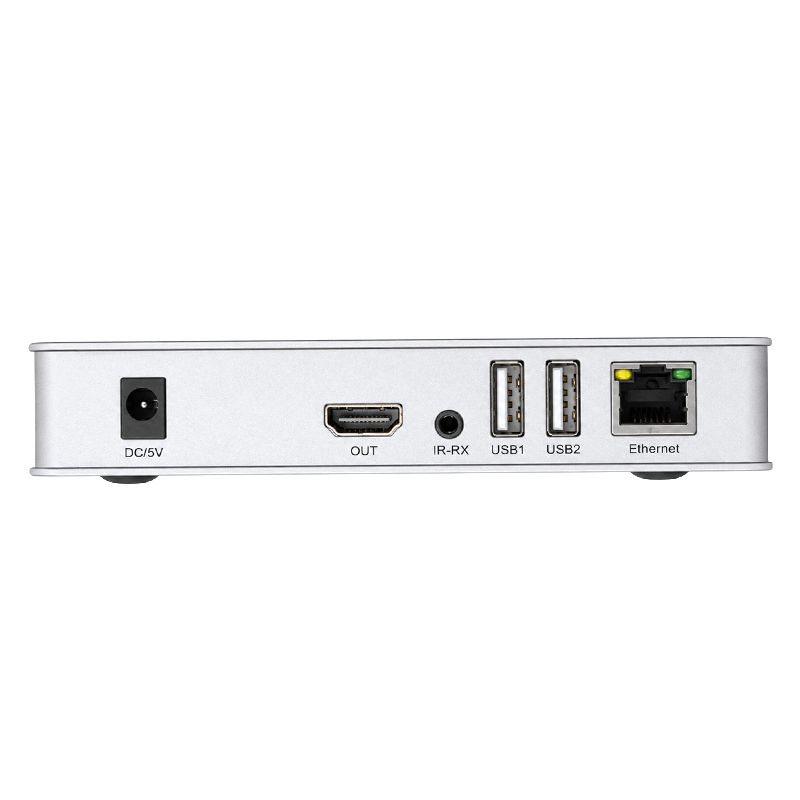
RX Unit Ports
RX – Receiver
- Ethernet: RJ45 network port for receiving data from the transmitter or Ethernet switch.
- USB1: USB port for a keyboard or mouse.
- USB2: Additional USB port for a keyboard or mouse.
- IR-RX: Infrared receiver connection.
- HDMI OUT: HDMI output for connecting a monitor, television, or projector.
- DC/5V: 5 V DC power input.
General Specifications
| Specification | Details |
|---|---|
| Brand | SyscomX |
| Product Type | HDMI KVM IP Extender |
| Maximum Extension Distance | Up to 200 meters |
| System Units | TX Transmitter and RX Receiver |
| Network Interface | RJ45 Ethernet |
| Ethernet Standard | IEEE 802.3 |
| KVM Control | USB keyboard and mouse |
| IR Remote Control | Supported |
| Power Supply | DC 5 V per unit |
| Operation | Plug and play |
| Software Installation | Not required |
| Enclosure | Metal housing |
| Status Indicators | HDMI and Power LEDs |
Resolutions Shown on the Packaging
The product packaging shows support references for:
- 1080p Full HD
- 2K Quad HD
- 4K Ultra HD
However, the packaging images do not provide a detailed table confirming the maximum supported refresh rate or the transmission distance available for each resolution. These specifications should therefore be verified through testing or the manufacturer’s manual before deployment.
Applications
- CCTV monitoring rooms.
- Remote control of NVR and DVR systems.
- Conference and meeting rooms.
- Classrooms and training rooms.
- Home-theater systems.
- Digital signage.
- Central control rooms.
- Multi-screen video distribution.
- Remote workstation control.
- Corporate and industrial display systems.
Basic Installation
- Connect the video source to the HDMI IN port on the TX unit.
- Connect the TX USB port to the source computer for KVM control.
- Connect the TX and RX units using an Ethernet cable or through an Ethernet switch.
- Connect the display to the HDMI OUT port on the RX unit.
- Connect the keyboard and mouse to the USB ports on the RX unit.
- Connect the DC 5 V power adapters to both units.
- Wait for the Power and HDMI status indicators to illuminate.
Technical Note
This product is presented as an HDMI KVM IP Extender and supports point-to-point, point-to-multipoint, and cascade connection modes.
The packaging does not clearly confirm whether it supports transmission across routed subnets, VLAN-routed networks, or the public internet. These deployment scenarios should be tested before the product is used in a production project.

Reviews
There are no reviews yet.