

SYSCOMX HDMI 60M KVM EXTENDER WITH AUDIO
Product Overview
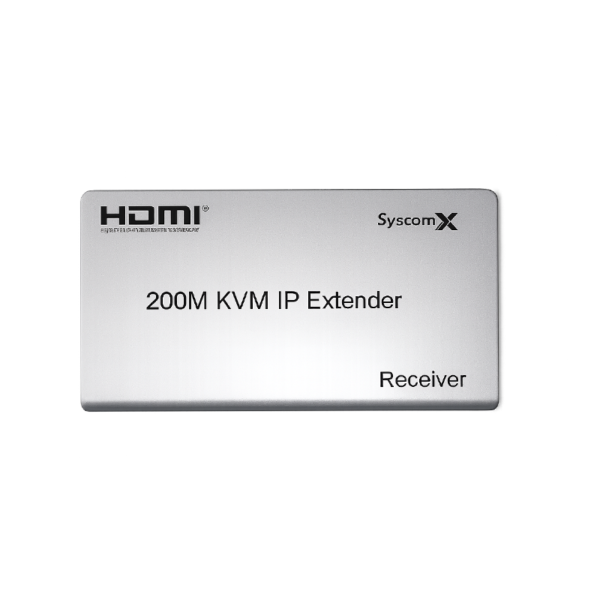
The SyscomX HDMI 60M KVM Extender with Audio is a point-to-point transmission solution designed to extend Full HD video, USB keyboard and mouse control, stereo audio, and infrared remote-control signals over a single CAT5e or CAT6 network cable.
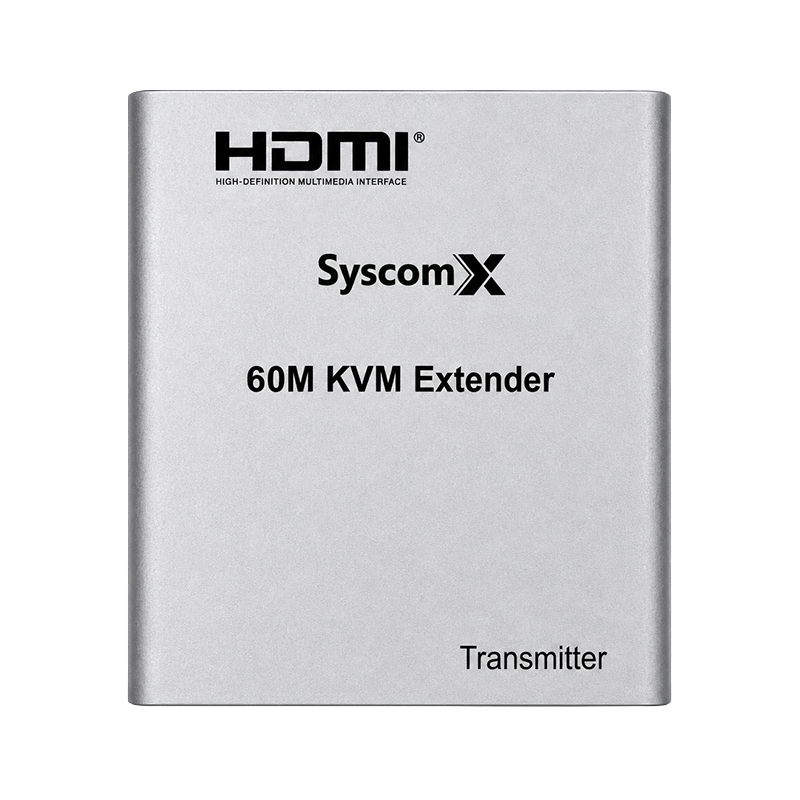
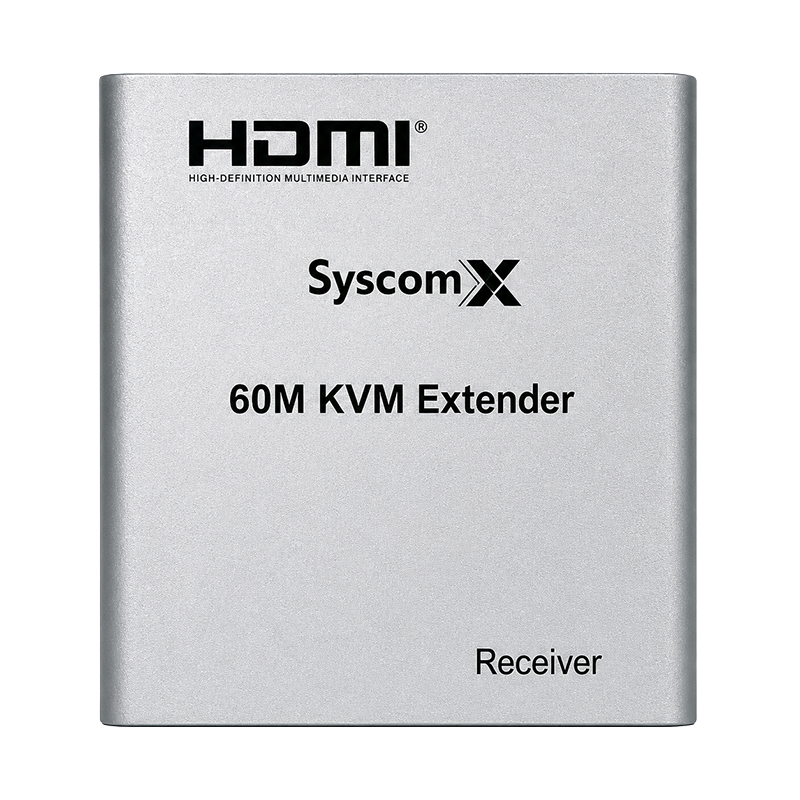
The system consists of a TX Transmitter and an RX Receiver, allowing an HDMI source device such as an NVR, DVR, computer, or media player to be operated from a remote location at distances of up to 60 metres.
It is an ideal solution for surveillance monitoring rooms, control centres, offices, conference rooms, digital signage systems, and remote workstation applications.
KEY FEATURES
- Extends HDMI video signals up to 60 metres
- Uses a single CAT5e or CAT6 cable
- Supports Full HD resolution up to 1920 × 1080 at 60 Hz
- Integrated USB KVM extension
- Supports remote USB keyboard and mouse operation
- Supports 3.5 mm left and right stereo audio
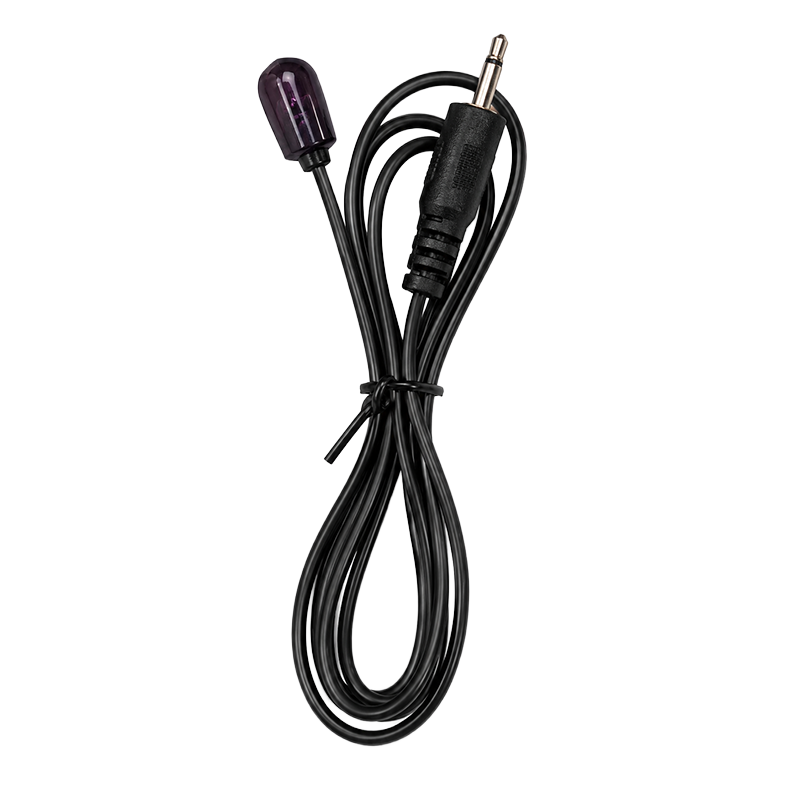
- IR remote-control signal extension
- Low power consumption
- Low operating temperature
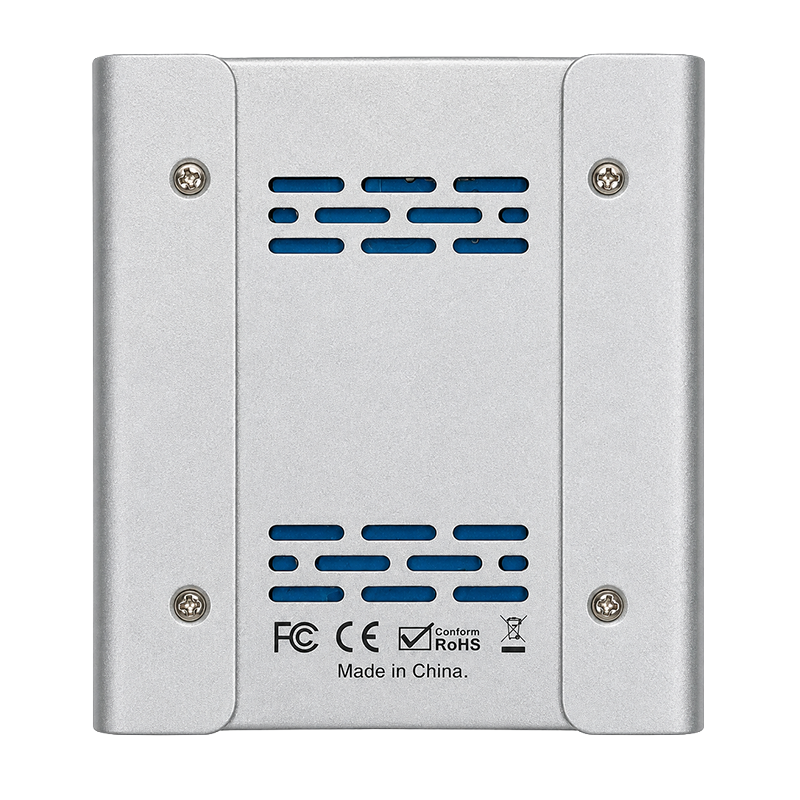
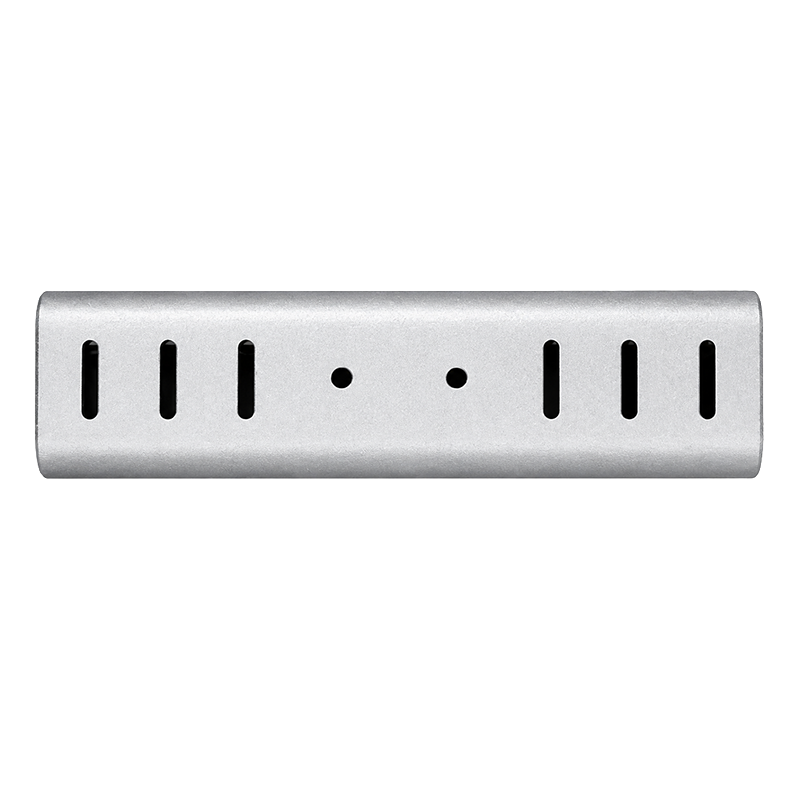
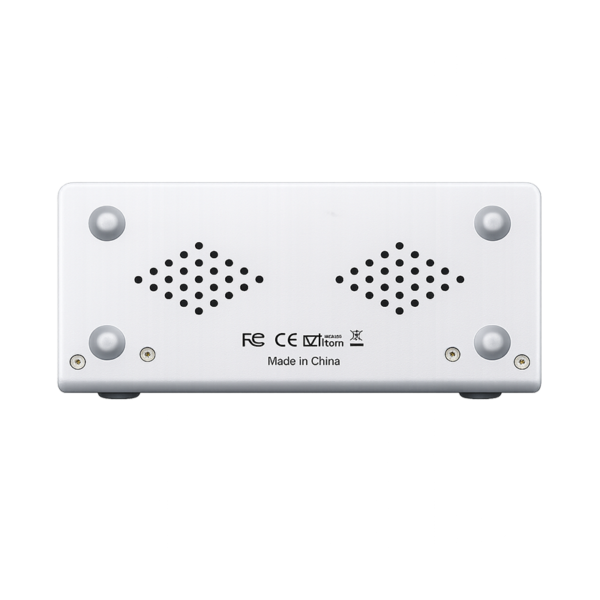
- Compact metal enclosure
- Simple point-to-point installation
- Suitable for NVR, DVR, computers, and media devices
TECHNICAL SPECIFICATIONS
Product Type:
HDMI KVM Extender with Audio
Brand:
SyscomX
System Configuration:
TX Transmitter and RX Receiver
Transmission Distance:
Up to 60 metres
Transmission Cable:
CAT5e or CAT6 UTP Cable
Maximum Video Resolution:
1920 × 1080 at 60 Hz
Supported Video Formats:
1080p, 1080i and 720p
Video Connection:
HDMI
USB Function:
Remote keyboard and mouse extension
Audio Support:
3.5 mm stereo left and right audio
IR Remote Control:
Supported
Connection Method:
Point-to-point transmission
Network Switch Compatibility:
Not supported
Enclosure Type:
Metal housing
Installation Type:
Plug-and-play point-to-point installation
TX TRANSMITTER INTERFACES
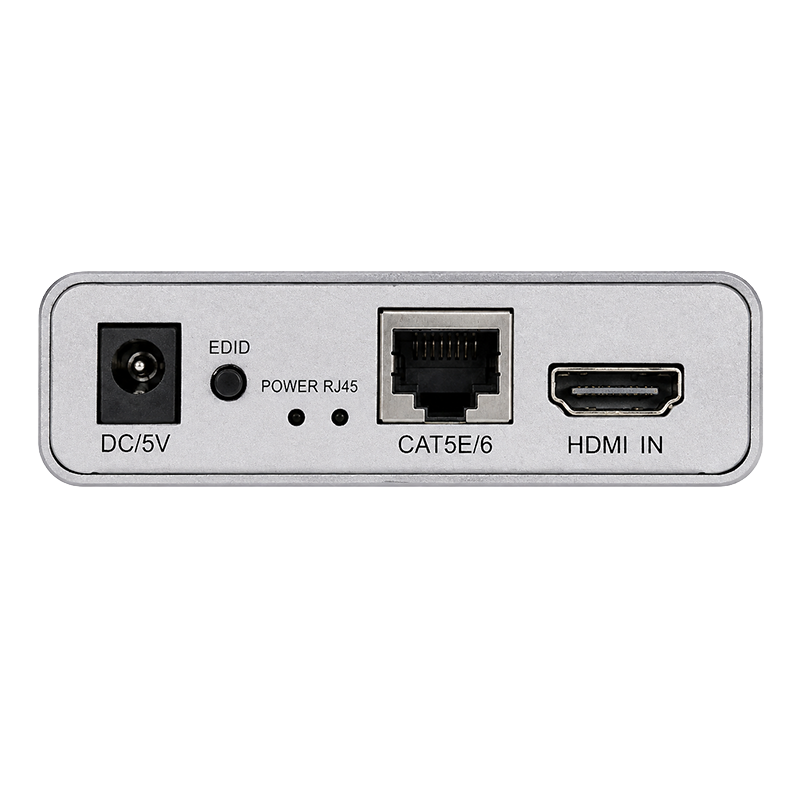
- HDMI input
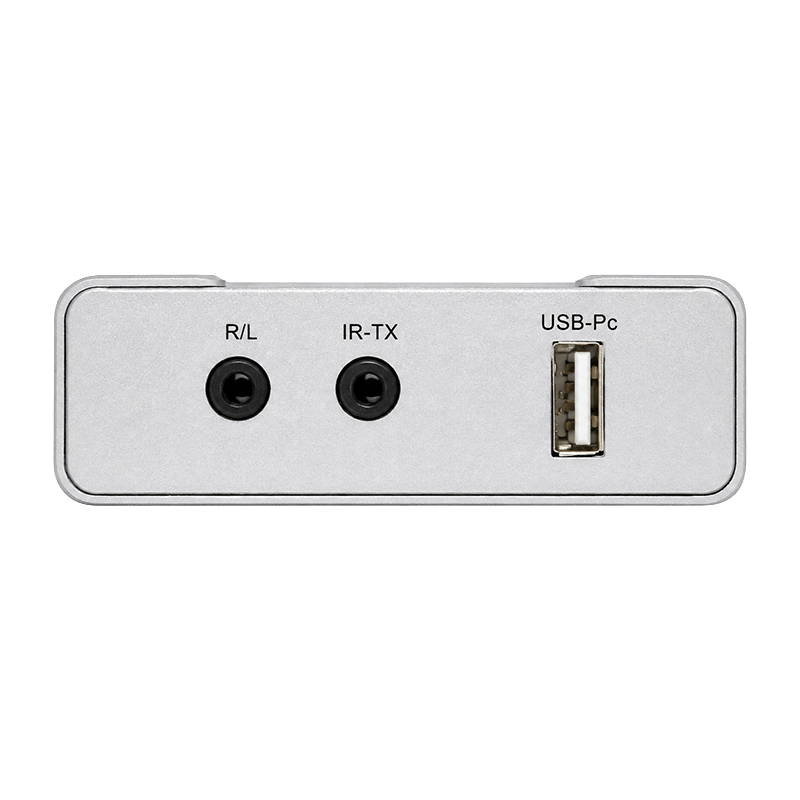
- USB connection to the source device
- RJ45 output for CAT5e or CAT6 cable
- IR output connection
- 3.5 mm audio connection
- DC power input
RX RECEIVER INTERFACES
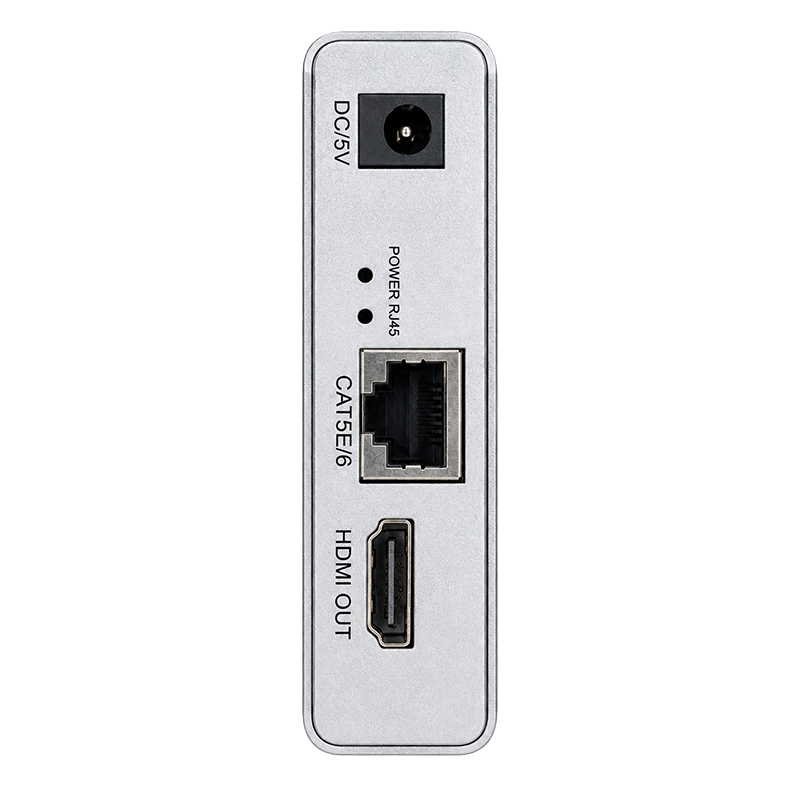
- RJ45 input for CAT5e or CAT6 cable
- HDMI output
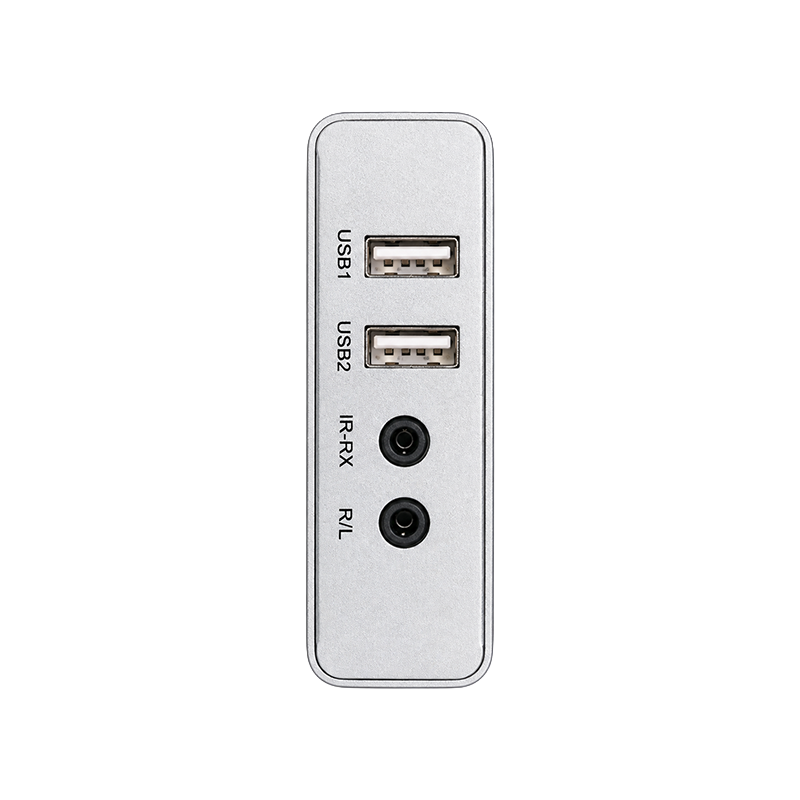
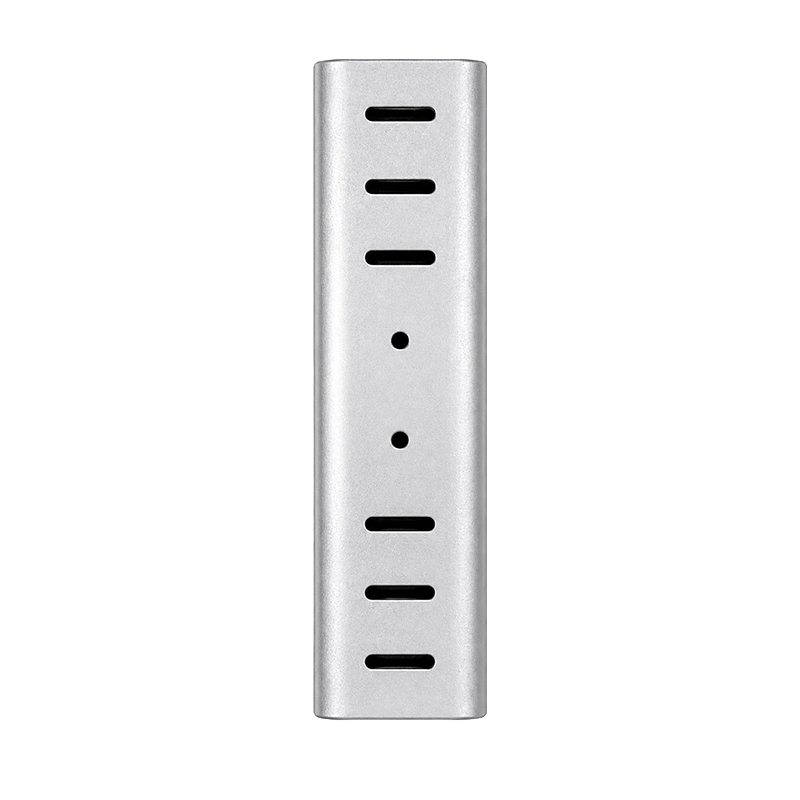
- Two USB ports for keyboard and mouse
- 3.5 mm stereo audio output
- IR receiver connection
- DC power input
CONNECTION DIAGRAM
Source Device → TX Transmitter → CAT5e/CAT6 Cable → RX Receiver → Display
The source device connects to the TX unit using HDMI and USB cables. The TX and RX units are connected using one CAT5e or CAT6 cable with a maximum transmission distance of 60 metres.
The RX receiver provides connections for:
- HDMI display
- USB keyboard
- USB mouse
- Headphones or external speakers
- IR remote-control receiver
SUPPORTED SOURCE DEVICES
- NVR systems
- DVR systems
- Desktop computers
- Workstations
- Media players
- Set-top boxes
- Other HDMI source devices
APPLICATIONS
- CCTV and surveillance monitoring
- NVR and DVR control stations
- Security control rooms
- Server rooms
- Remote workstation control
- Conference rooms
- Digital signage systems
- Multimedia classrooms
- Office monitoring systems
- Home entertainment installations
PACKAGE CONTENTS
- 1 × TX Transmitter
- 1 × RX Receiver
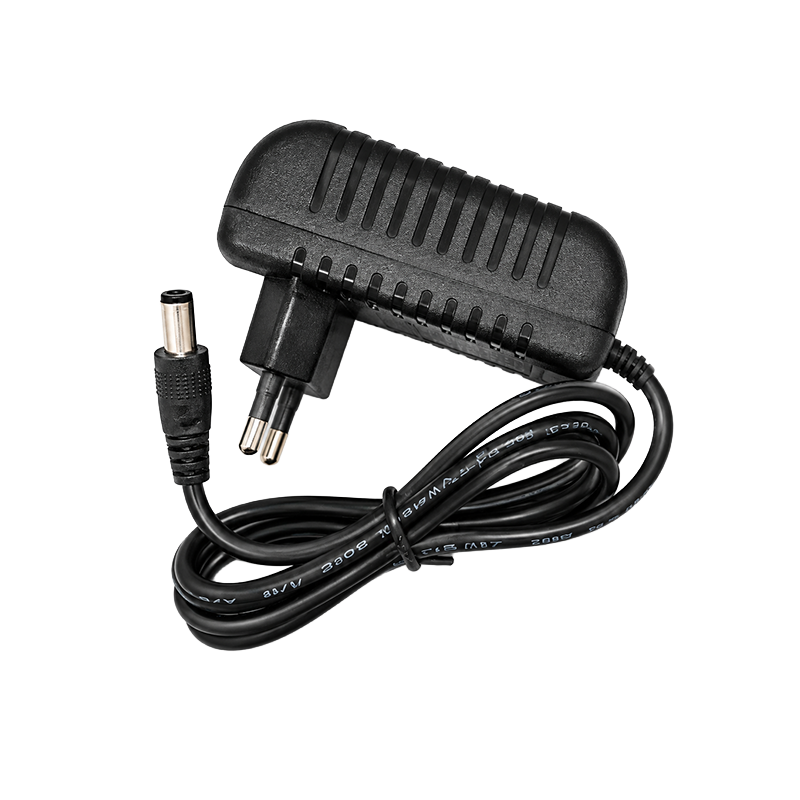
- Power adapters
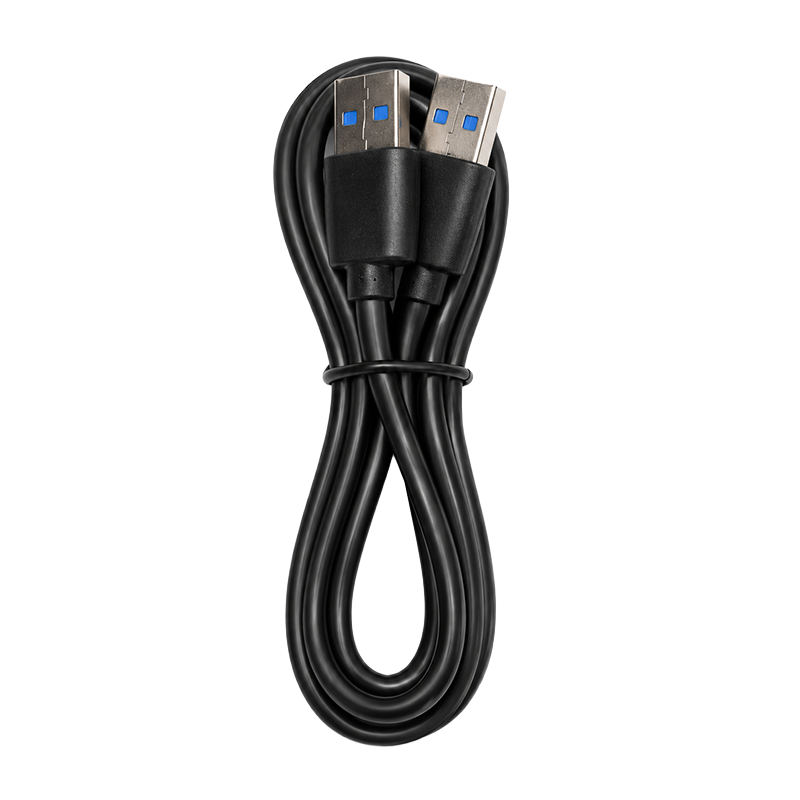
- USB connection cable
- IR transmitter and receiver accessories
- User manual
INSTALLATION RECOMMENDATIONS
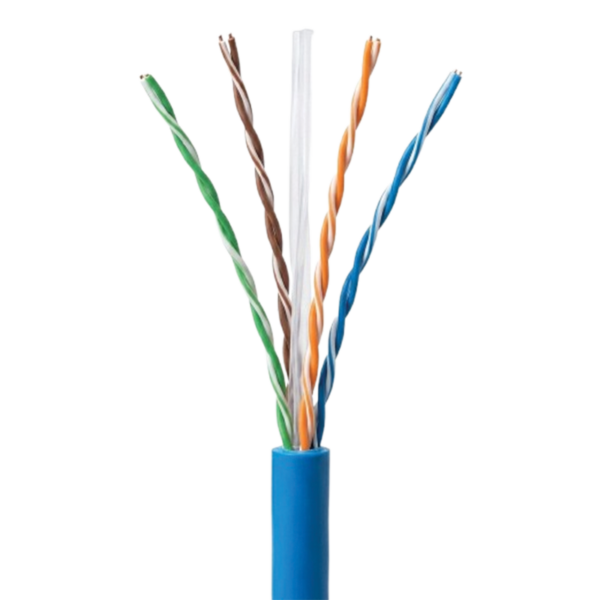
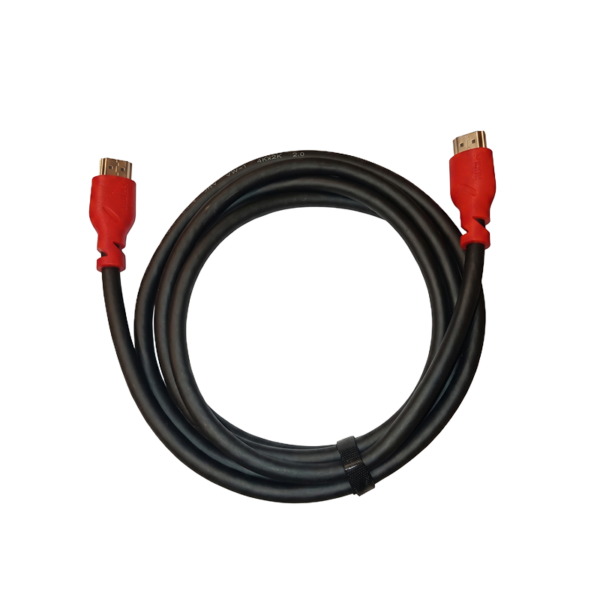
For reliable operation over long distances, use a high-quality CAT6 cable made of pure copper.
Avoid using CCA cables whenever possible. The network cable should be connected directly between the TX and RX units and must not pass through a network switch, router, or Ethernet device.
Use the same wiring standard on both ends of the cable, preferably:
T568B to T568B
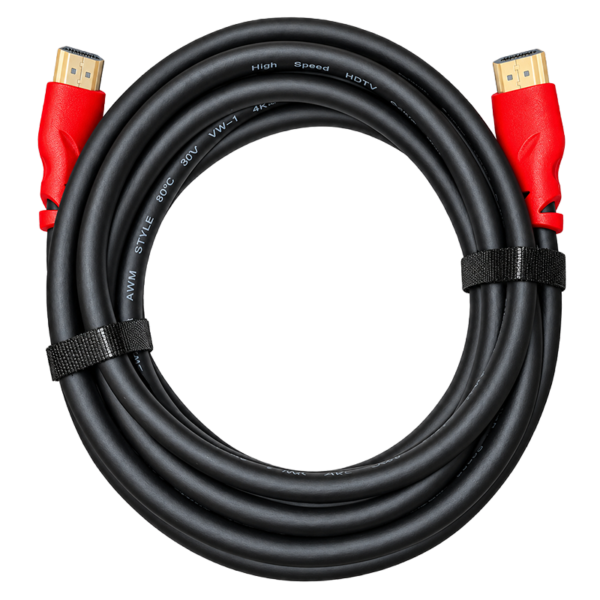
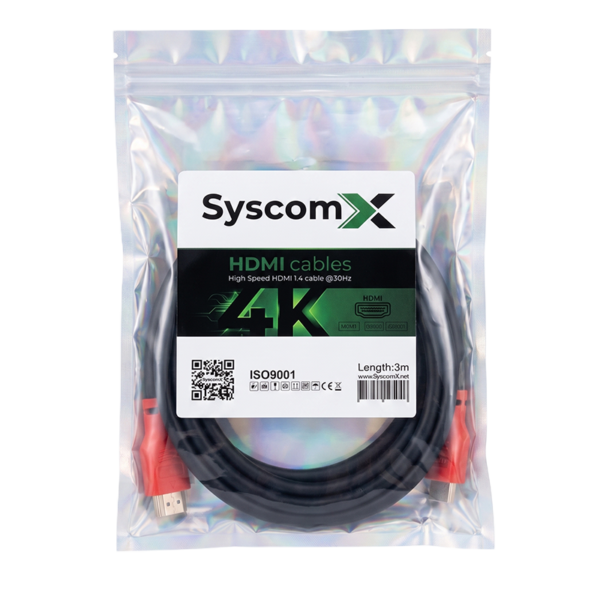
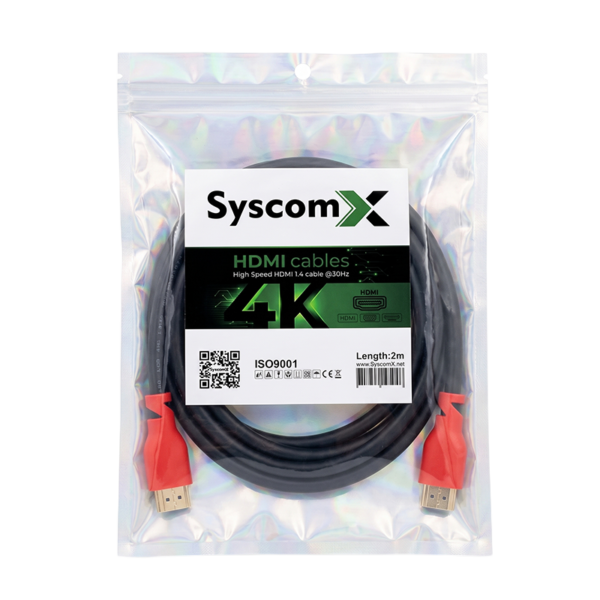
For maximum stability, use short, high-quality HDMI cables and set the source device output resolution to:
1920 × 1080 at 60 Hz
IMPORTANT NOTE
This product is designed for direct point-to-point HDMI signal extension.
The RJ45 ports are used only to connect the TX and RX units and do not provide standard Ethernet or IP network connectivity.
This device is not an HDMI-over-IP extender and cannot operate through a network switch or router.


Reviews
There are no reviews yet.