
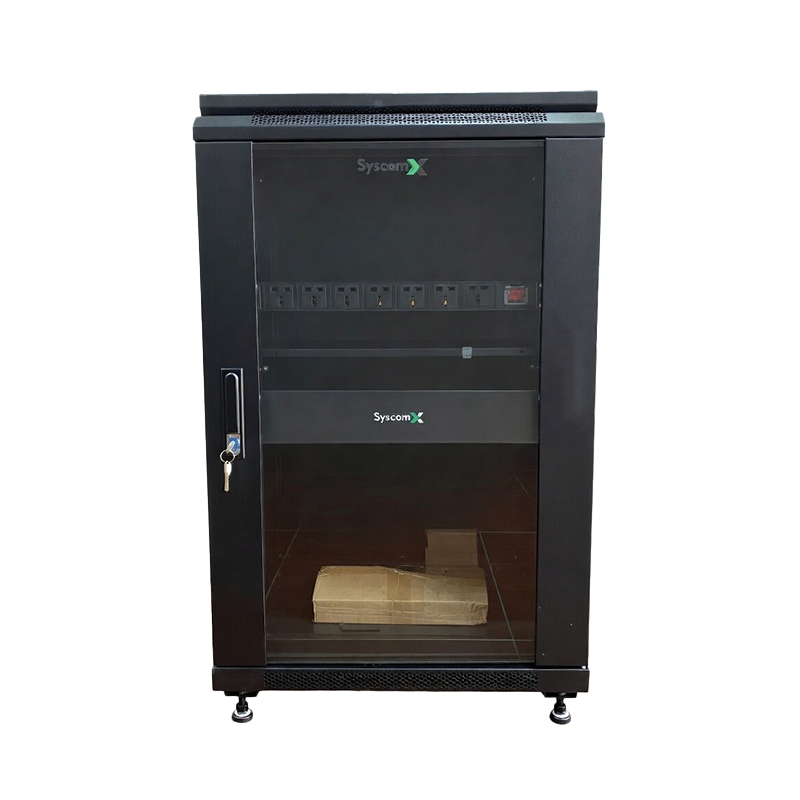
A network can use high-quality switches, routers and recording equipment and still become unreliable if those devices are installed inside a crowded, poorly ventilated cabinet. Cable clutter, blocked airflow and improvised power connections make faults harder to diagnose and can increase equipment temperature.
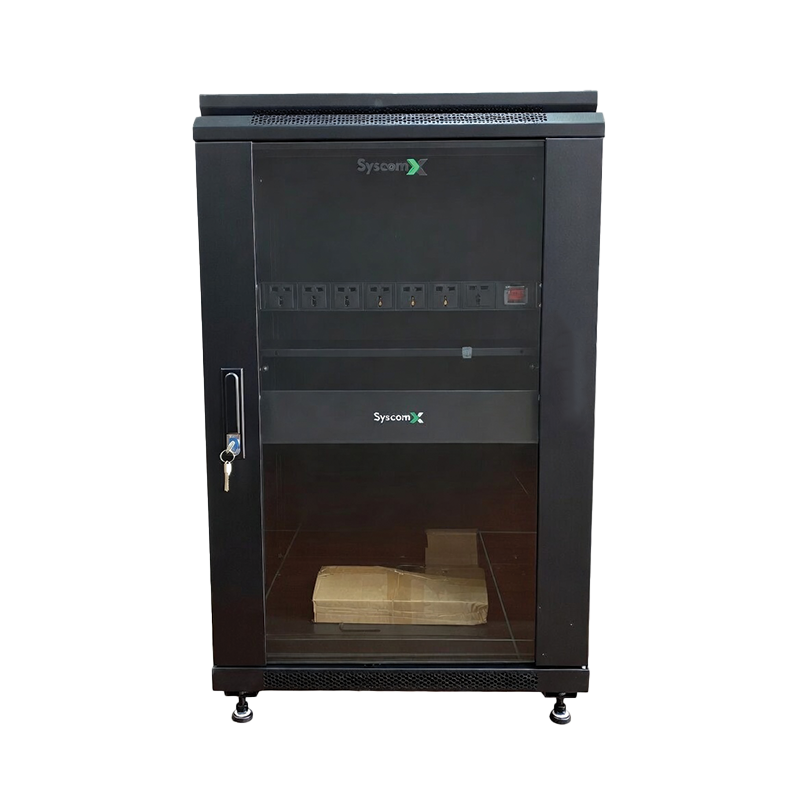
A professional rack design gives every device a defined position, improves airflow and creates a safer path for power and data cables. The goal is not only appearance; organized infrastructure makes maintenance faster and future expansion easier.
Common warning signs inside a network cabinet
- Hot air remains trapped around switches, NVRs or power supplies.
- Patch cords cover ventilation openings or hang in front of equipment.
- Several power adapters are connected through loose extension strips.
- Cables are not labeled, making faults difficult to trace.
- There is no free rack space for future devices.
- Heavy equipment is installed without considering balance or support.
Start with the correct rack size
The SyscomX Rack 18U 600×800 is designed for networking, telecom, CCTV and industrial electronic equipment. It uses the standard 19-inch rack format and provides 18U of mounting height. Its steel enclosure, durable powder coating and ventilated construction make it suitable for server rooms, data centers, CCTV installations and industrial control systems.
Rack size should be calculated before installation. Count the rack units required by current equipment, allow space for cable management and airflow, then keep additional capacity for expansion. Depth is equally important: verify the dimensions of switches, patch panels, NVRs and other devices before choosing the enclosure.
Create a clear equipment layout
A practical layout usually places patch panels and cable-management accessories close to the related switches. Heavy equipment should be positioned where it can be safely supported, while frequently serviced devices should remain accessible. Leave suitable space around equipment that releases significant heat.
- Prepare a rack-unit diagram before installation.
- Separate passive cabling components from heat-producing active equipment where practical.
- Keep front and rear service access clear.
- Use blank filler panels when appropriate to close unused spaces and support controlled airflow.
- Label every device, port, power cable and uplink.
Distribute power inside the rack
Loose power strips on the floor or hanging adapters increase clutter. The SyscomX Rack-Mount PDU fits a standard 19-inch rack in 1U and provides seven European Type F outlets with an illuminated power switch. Mounting power distribution inside the rack keeps connections in a defined location and makes the installation easier to inspect.
Before connecting equipment, confirm the total electrical load, plug compatibility and local electrical requirements. A PDU organizes distribution, but it should not be assumed to provide surge protection or backup power unless those functions are specifically listed for the selected model.
Improve airflow and cooling
Heat must have a clear path out of the enclosure. The 18U rack supports ventilation and dual fan mounting. A compatible SyscomX AC Axial Fan can support airflow in server racks and electronic enclosures when installed as part of a correctly planned cooling path.
- Do not block equipment air intakes or exhaust openings.
- Route patch cords away from fan paths.
- Keep filters and ventilation openings clean.
- Check temperature under real operating load, not only when the cabinet is first powered.
- Confirm fan direction so air enters and exits through the intended path.
Cable management is part of reliability
Use suitable cable lengths instead of storing large coils inside the rack. Separate power and data paths where possible, protect cable bend radius and secure bundles without crushing them. Consistent labeling at both ends reduces the time required to trace a failed link.
A rack is a complete system
A reliable enclosure combines correct sizing, equipment placement, power distribution, airflow and documentation. Planning these elements together prevents the rack from becoming crowded as the network grows.
Explore SyscomX rack products or contact our team for rack and network infrastructure support.
