
Many CCTV, server-room and industrial installations need the computer or recorder to remain in a secure technical room while the operator works from another location. A standard HDMI cable and separate USB extensions quickly become difficult to manage over long distances.
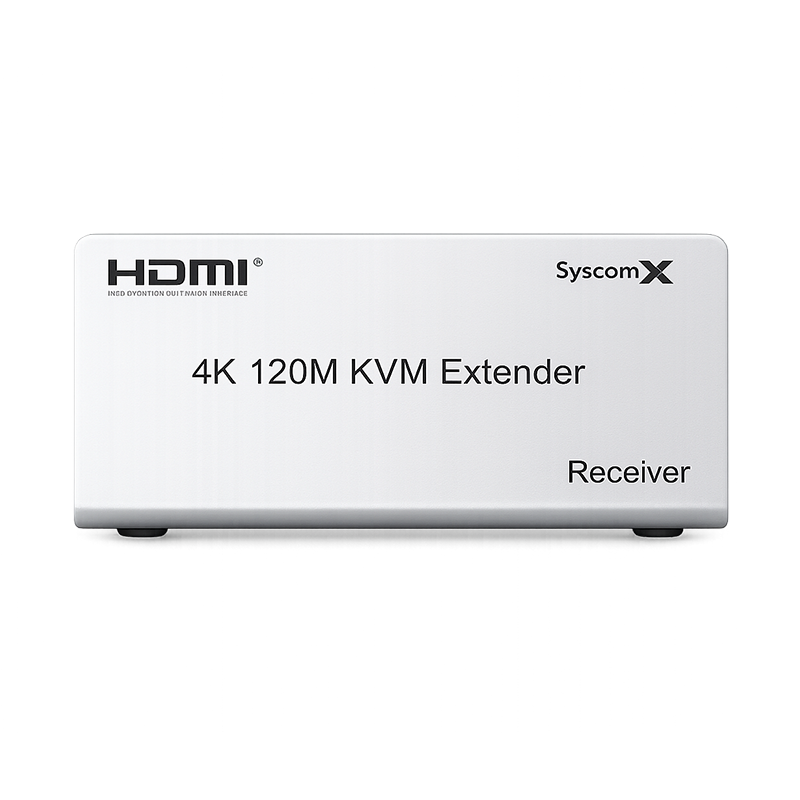
A KVM extender solves this problem by transporting video and control signals between a transmitter and receiver. The SyscomX 4K 120M KVM Extender uses a single CAT5e or CAT6 cable to extend HDMI video and USB keyboard and mouse control up to 120 meters.
The problems found in long-distance control setups
- The display must be far from the computer, server or NVR.
- USB keyboard and mouse control are required at the remote operator position.
- Several separate extension cables create clutter and complicate maintenance.
- The source equipment needs to remain protected inside a rack or secure room.
- Local monitoring is still required next to the source device.
What the SyscomX 4K 120M KVM Extender carries
The system supports HDMI 1.4 and HDCP 1.4, with compatible resolutions up to 4K Ultra HD as well as 2K and 1080p. It provides:
- Transmission up to 120 meters over one CAT5e or CAT6 cable.
- USB extension for keyboard and mouse control.
- HDMI local loop-out on the transmitter.
- Infrared remote-control extension.
- 3.5 mm stereo audio output on the transmitter and receiver.
- A durable metal enclosure and plug-and-play installation.
How the installation works
- Place the transmitter near the HDMI source, such as a computer, server or NVR.
- Connect the HDMI source and the required USB connection to the transmitter.
- Run one dedicated CAT5e or CAT6 cable between the transmitter and receiver.
- Connect the remote display, keyboard, mouse and optional audio equipment to the receiver.
- Power the units and test video, control, audio and IR functions before final cable routing.
Cabling practices that improve reliability
The extender can only perform as well as the installed cable path. For stable operation:
- Use a good-quality CAT5e or CAT6 cable with properly terminated connectors.
- Avoid damaged cables, unnecessary couplers and poorly crimped plugs.
- Keep the data cable separated from high-voltage power lines and strong sources of electrical interference.
- Confirm the complete installed distance, including vertical routes and service loops.
- Test the required resolution and refresh rate with the actual source and display.
- Use the cable as the dedicated point-to-point extender link unless the product instructions specifically state otherwise.
Typical applications
This type of KVM extension is suitable for CCTV control rooms, security desks, factories, production lines, digital signage, classrooms, server rooms and warehouses. The operator can view and control the source remotely while the main equipment remains protected and organized.
Why local loop-out matters
The transmitter’s HDMI loop-out allows a second display to remain beside the source device. This is useful for maintenance because a technician can test the system locally without disconnecting the remote screen.
Plan the complete signal path
Before selecting an extender, confirm the required resolution, total distance, cable category, USB devices, audio requirement and IR control. A properly planned installation reduces troubleshooting time and provides a cleaner result than combining several unrelated extenders.
View the SyscomX 4K 120M KVM Extender or contact SyscomX to discuss your installation.
